Designing
trust in
AI identification
I designed the Photo AI experience for Birda, helping users identify birds from images while balancing speed, confidence and trust in AI-generated results.
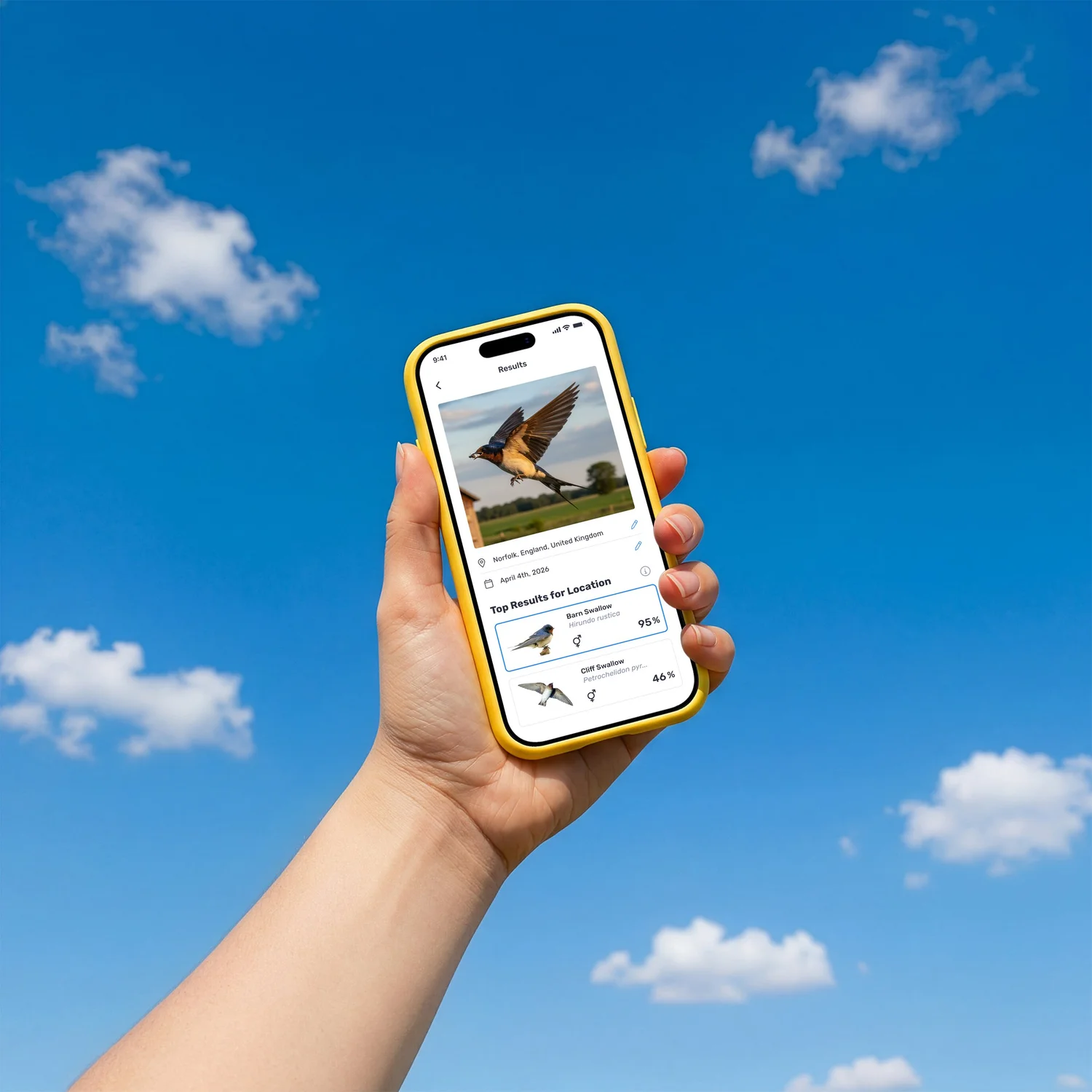
Birda is an early-stage startup competing with well-known bird identification apps, so credibility matters. Experienced birders rely on trusted tools and their own knowledge, while beginners need help learning. I led the UX and UI design of an AI-assisted Photo ID experience built around transparency and trust, making the AI’s reasoning visible through confidence levels, multiple likely matches, and clear next steps so users could verify the identification, trust it, and learn from it.
Users had the moment, but not the confidence to act
Birdwatching happens in the real world. Sometimes the photo is distant or imperfect. Sometimes the image is clear, but the user simply does not know what they are looking at. Many users told us they ended up with photos they could not confidently identify and even when they wanted to log a sighting, uncertainty stopped them from taking action.
Users wanted help identifying birds from imperfect, real-world photos not just textbook-quality images.
AI-powered identification was becoming a standard expectation. Birda needed to offer it to stay credible against established competitors.
Reducing identification friction could unlock more logged sightings, deeper engagement, and a key driver for Birda+.
“Users didn't just want an answer. They wanted clarity to understand why a species was being suggested and feel confident enough to take the next step.”
What users were really telling us
Before defining the solution, I needed to understand what was actually stopping users from engaging with identification. Research was drawn from three sources: user interviews, in app review analysis, and Customer Support conversations, all triangulated to surface consistent patterns.
- User interviews about real world birdwatching moments, identification hesitations, and product expectations
- App Store review analysis to understand what users praised or criticised about identification experiences across competing apps
- Customer Support log review to capture recurring questions and friction points when identification did not work as expected
- Competitor review mining to see how users responded to AI identification features in similar apps
- Understand the emotional state users are in when they capture a photo in the field
- Identify what would make users trust an AI result enough to act on it
- Understand the difference in needs between beginner and experienced birders
- Define what safe failure looks like and what should happen when the AI is not sure
Voices from the field
These patterns surfaced consistently across interviews and reviews, capturing the core tension between wanting to identify a bird and not feeling confident enough to act on the result.
I get a result, but I do not know why it thinks that is the bird. What if it is wrong? I do not want to log something incorrectly.
My photo was blurry. I did not even try to identify it. I assumed the app would just fail, so I gave up before starting.
It gave me one answer with no explanation. Merlin shows me field marks and tells me why. I need to see the reasoning.
I am new to birdwatching. I do not always know if the result is right. I just want to feel like the app is guiding me, not judging me.
What happens if the AI just cannot tell? I need to know there is somewhere to go. The community here knows their stuff.
From data to direction
After clustering findings into themes, four insights emerged that shaped every design decision.
After synthesising user interviews, app review analysis and Customer Support conversations, I clustered the insights into four themes. These became the backbone of every design decision in Photo ID.
Transparency builds more trust than accuracy alone
Users were more willing to act on a result they could partially understand than a confident result they could not verify. Showing the "why" mattered as much as the "what".
Imperfect photos are the norm, not the exception
Real birdwatching produces blurry, distant, and poorly framed photos. Users had already self-selected out of identification before even trying, assuming the AI would fail on their photo.
Different users need completely different signals
Beginners need reassurance that their photo is worth submitting and that the result is a starting point, not a verdict. Experienced birders need to verify the ranking and trust the method.
A clear fallback is a feature, not a failure mode
When the AI is uncertain, users don't mind, as long as there's somewhere to go. The community was a natural and trusted safety net that the design should actively surface.
Four users. Four relationships with AI trust
Research surfaced four distinct archetypes, each with a fundamentally different relationship to the moment of identification. Their needs were not just about experience level. They differed in how they used photos, what trust meant to them, and what they did when the AI was uncertain.
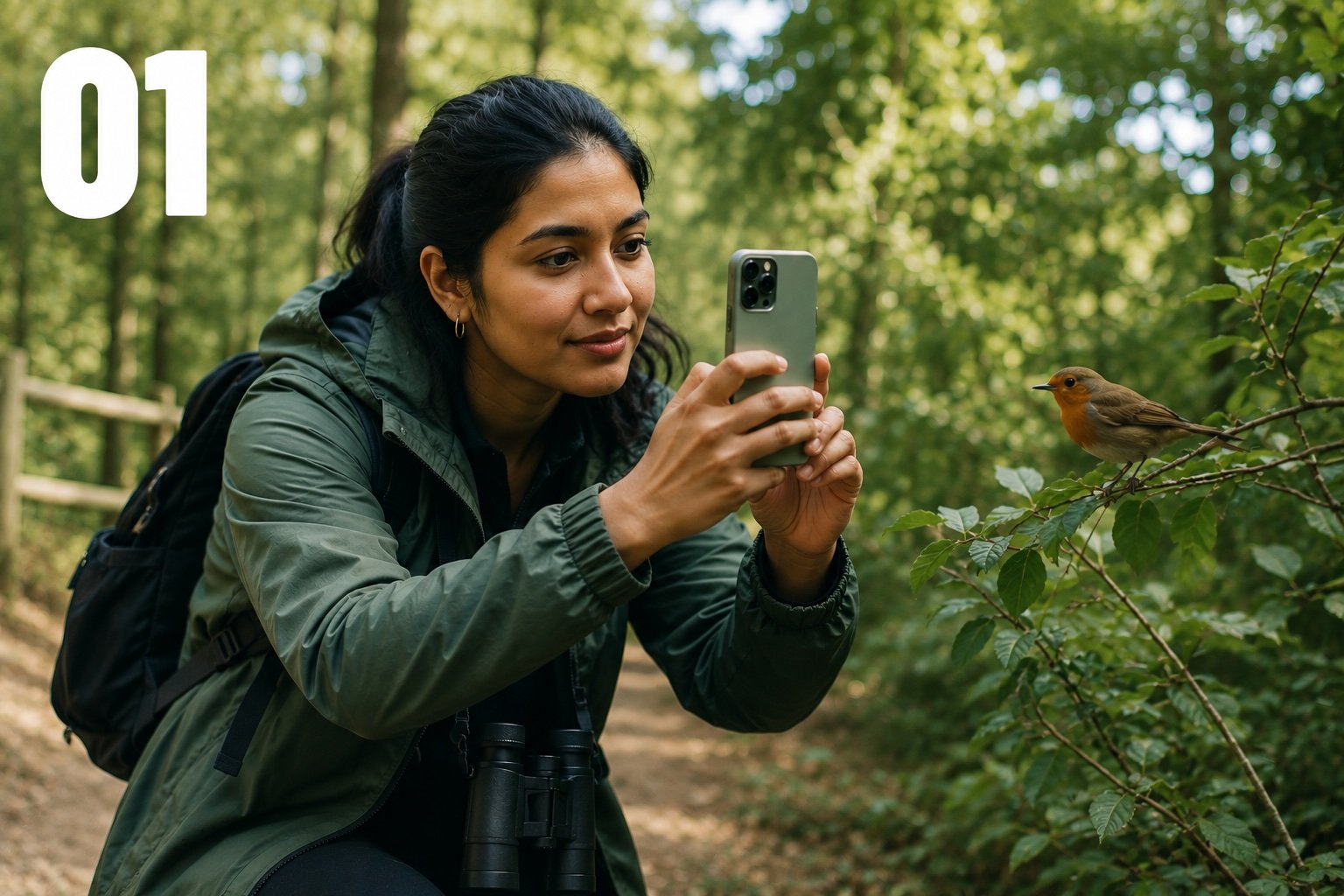
"I take hundreds of photos on walks and trips. Half the time I have no idea what bird I've captured. I need to identify it after the fact."
- ✓Identify birds from gallery photos taken days later
- ✓Confidence that distant shots are worth trying
- ✓Multiple options for similar species
- ✓Save unidentified photos for community
- ✕Location context doesn't help for photos taken abroad
- ✕Single result with no reasoning
- ✕No fallback when AI returns low confidence
- ✓Documents birds she spots on travels
- ✓Wants to build a personal record
- ✓Curious, low-pressure approach to birding
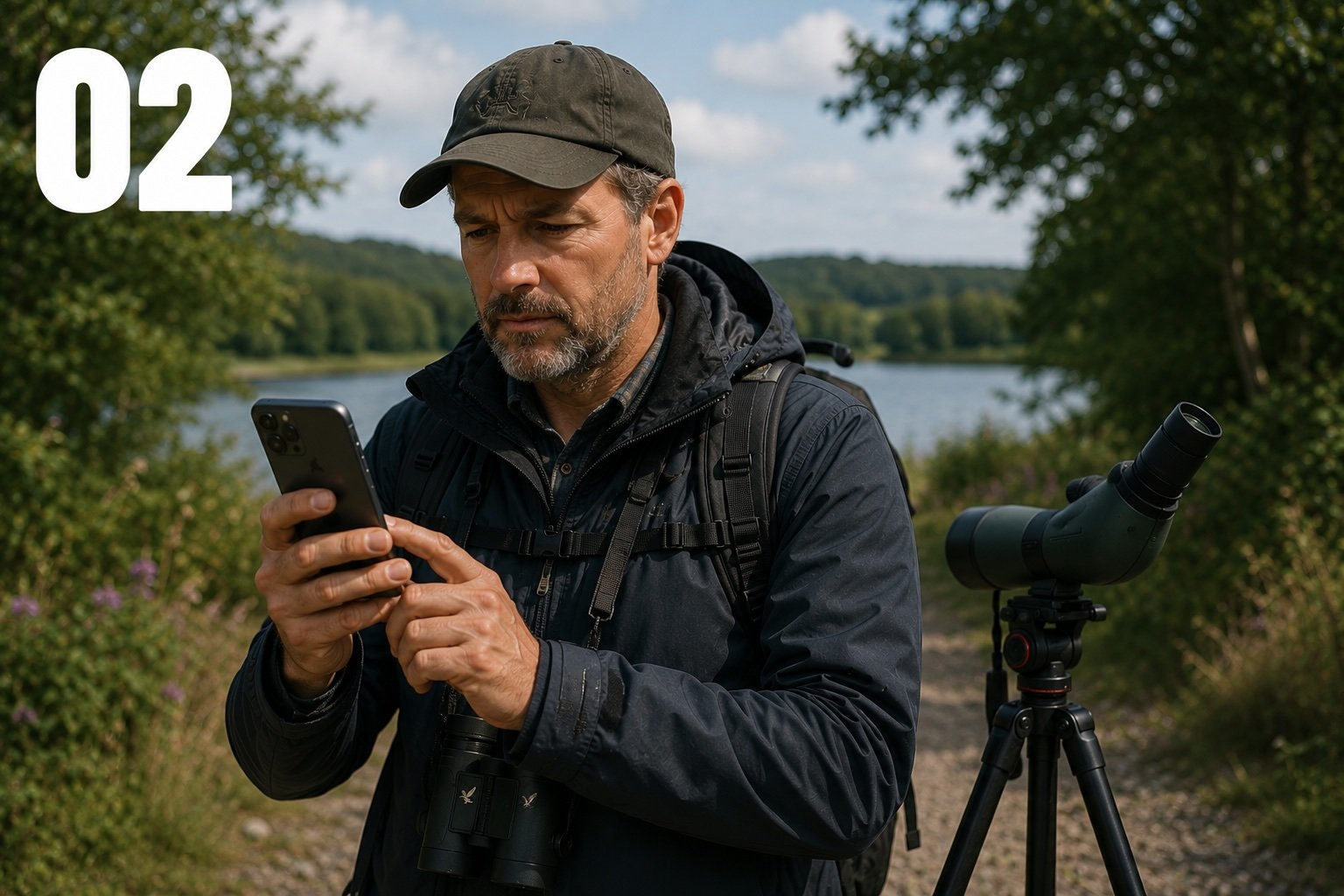
"I use Merlin every day. Before I migrate my records, I need to know the Photo ID is good. I'll be testing it hard."
- ✓Visible confidence percentages to evaluate
- ✓Ranked alternatives for tricky species pairs
- ✓Ability to override suggestion before logging
- ✓Evidence AI handles difficult shots
- ✕Black-box results with no logic exposed
- ✕AI fails on edge cases experts care about
- ✕Forced to accept a result he disagrees with
- ✓Consolidate records in one place
- ✓Values community over pure ID tools
- ✓High standards, data-driven approach
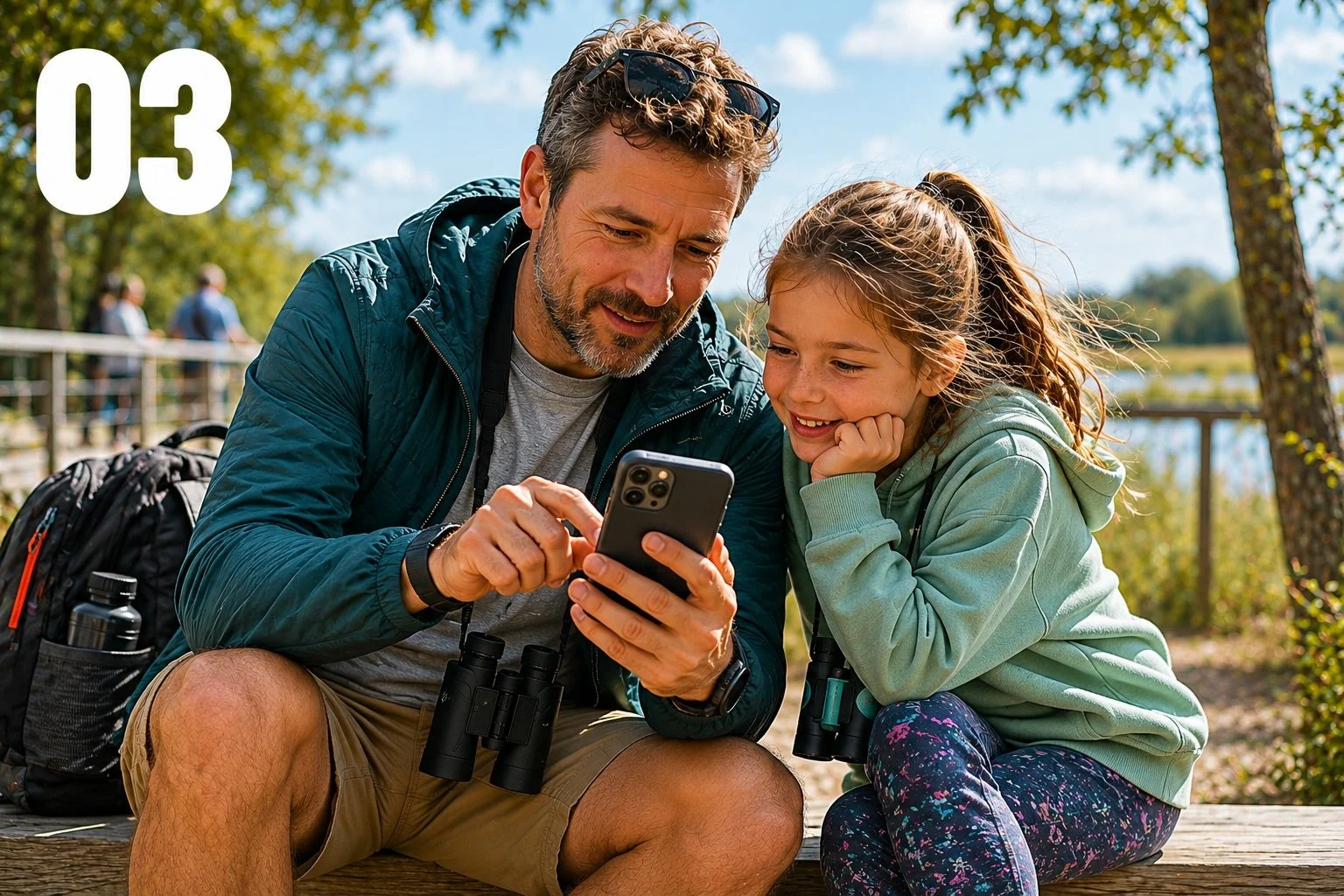
"My daughter always asks what's that bird? I need the answer to be instant and right. If the app says something wrong, I lose trust immediately."
- ✓Fast, confident result for common garden birds
- ✓Honest uncertainty rather than a wrong answer
- ✓Community route framed positively, not as failure
- ✓Results trustworthy enough to share out loud
- ✕Wrong confident result, worse than no result
- ✕Dead ends when the app gives up
- ✕Jargon-heavy cards not suitable for children
- ✓Sharing nature curiosity with his children
- ✓Building family memories outdoors
- ✓Being a reliable source of knowledge
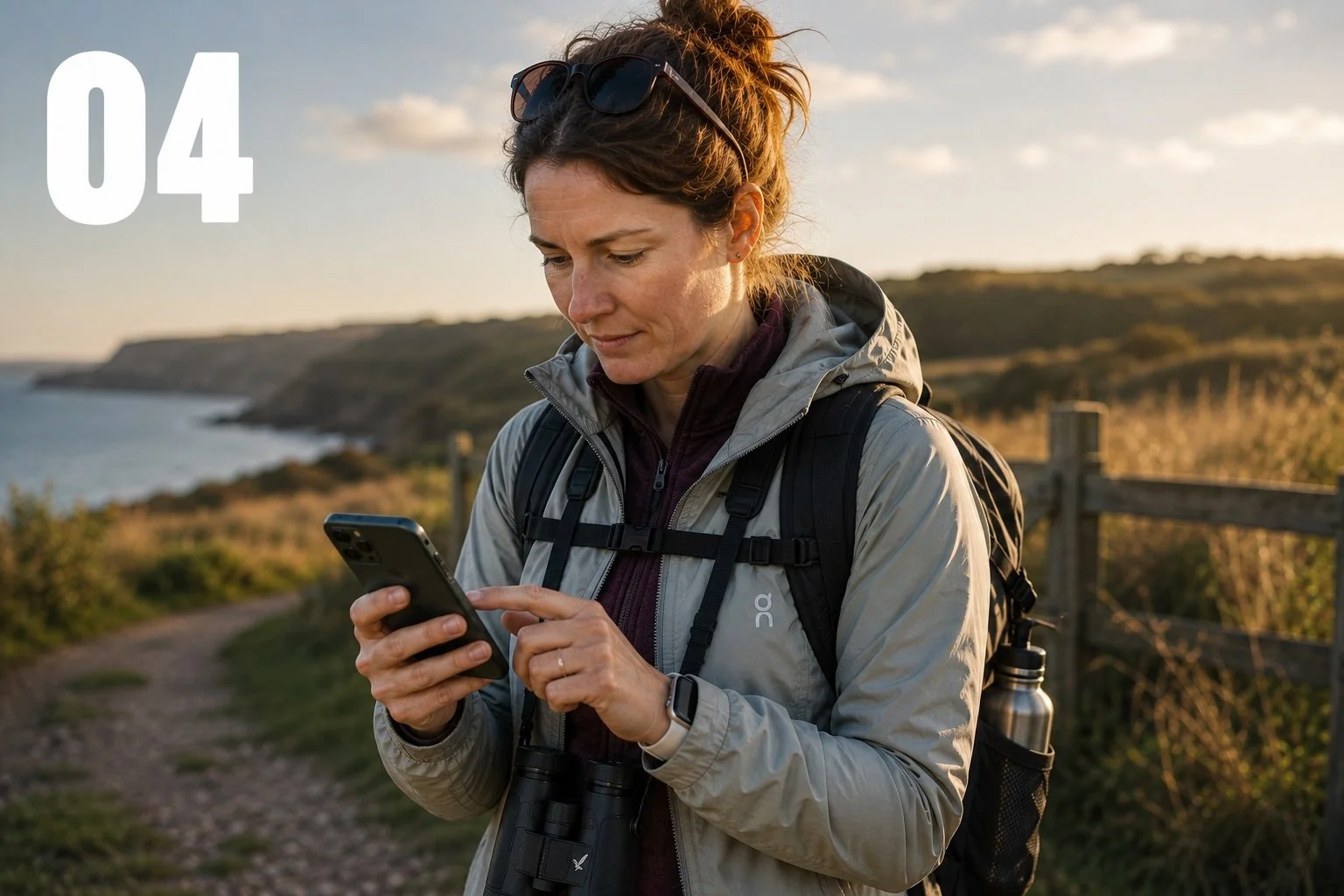
"I go out every weekend to the same local reserve. There's always one bird I can't quite place. That's when I reach for Photo ID."
- ✓Fast result before the bird disappears
- ✓Ranked alternatives for look-alike species
- ✓Log a sighting as uncertain and return later
- ✓Community route without feeling like failure
- ✕Slow response times mid-walk
- ✕Single top result for easily confused species
- ✕No way to flag a sighting as uncertain
- ✓Building her local patch knowledge
- ✓Steady progression as a birder
- ✓Community of like-minded local birders
What the market taught us about trust
Before designing the identification experience, I reviewed how comparable AI powered identification apps handled transparency, confidence, and failure states. This was not about replicating what existed. It was about understanding where user trust was being built or broken across the category, and where Birda had a genuine opportunity to do something better.
| App | How AI results are shown | Transparency | Failure state | Opportunity for Birda |
|---|---|---|---|---|
|
Merlin Bird ID
Market leader
|
Top match with species info and range map. Photo ID shows ranked alternatives. | Shows multiple options but does not expose confidence percentages. Relies on field marks in species cards. | Falls back to species browser. No community route offered. | Confidence percentages could give users more control. A community fallback is a differentiator Merlin lacks. |
|
iNaturalist
Community trust
|
AI ranks suggestions with confidence scores. Community can add or confirm IDs after submission. | High. Shows ranked options and score. Community confirmation adds a social trust layer. | Submission goes to community if AI is unsure. This is a key strength. | The community fallback model is proven. Birda's tighter focus on birds means higher AI accuracy per submission. |
|
PictureThis
Different category
|
Single top result with match percentage. Premium unlocks deeper diagnosis. | Low. The percentage is shown, but the result feels definitive. Limited alternatives visible. | Suggests trying another photo. No community or alternative path. | The single definitive answer pattern frustrates users. Showing alternatives actively builds more confidence. |
|
Birda (Before)
Before redesign
|
No Photo ID feature existed. Species were manually searched and selected. | N/A. The user was fully responsible for identification. | No fallback beyond community search. Users who did not know the species were stuck. | Introducing Photo ID with transparency and community routing would address the key gaps in the existing experience. |
|
Birda (Redesign)
Our approach
|
Ranked shortlist of likely species with confidence percentages. Multiple matches visible simultaneously. | High. Confidence percentages plus multiple alternatives make reasoning visible. | Clear Ask the community path. Sighting can be saved without a confirmed ID. | Combines the best of iNaturalist's community routing with the speed and focus of Merlin, purpose built for birds. |
“The market showed us that confidence percentages and community fallbacks were the two features users trusted most, and both were missing from Birda.”
How do you make users trust an AI they've never used before?
Building Photo ID was not just a technical challenge. It was a trust challenge. Birda was a young product competing against established tools. We could not rely on brand familiarity. The experience itself had to earn trust from the very first use.
If users did not feel confident in the results, they would hesitate to log sightings, or stop using the feature entirely. Accuracy mattered, but just as important was making users understand and believe what the AI was telling them.
- A single confident answer with no reasoning shown
- Dead ends when the AI was uncertain
- A flow that discouraged imperfect photo submissions
- An experience that felt like an accuracy test
- Overengineered complexity at launch that delayed shipping
- Ranked results with visible confidence percentages
- A community fallback that felt like a feature, not a failure
- A framing that encouraged imperfect photo submissions
- User agency: compare, choose, or override
- An MVP that shipped with core trust signals intact
Where the experience was breaking down
| Stage | 1 · Capture | 2 · Open app | 3 · Try to ID | 4 · Log it | 5 · After |
|---|---|---|---|---|---|
| Action | Takes photo of a bird in the field, often quickly, in imperfect light | Opens Birda to log the sighting | Searches manually for the species, but does not know the name | Gives up trying to identify. Either does not log, or logs with no species | Closes the app. Sighting is not recorded. Moment is lost. |
| Thought | “I got it! It is a bit blurry but I can see it clearly enough.” | “I will figure out what it is in here.” | “I do not know the name. How am I supposed to search for it?” | “Maybe it is not worth logging if I am not sure. I do not want to get it wrong.” | “I will come back to it later.” (They rarely do.) |
| Emotion |
Excited, curious
|
Motivated, hopeful
|
Confused, stuck
|
Frustrated, uncertain
|
Disengaged, deflated
|
| Opportunity | — | Surface Photo ID prominently at the moment of intent | Replace manual search with AI powered identification from the photo itself | Show multiple results with confidence, give users enough to act | If uncertain: route to community, not abandonment |
Mapping the feature before building it
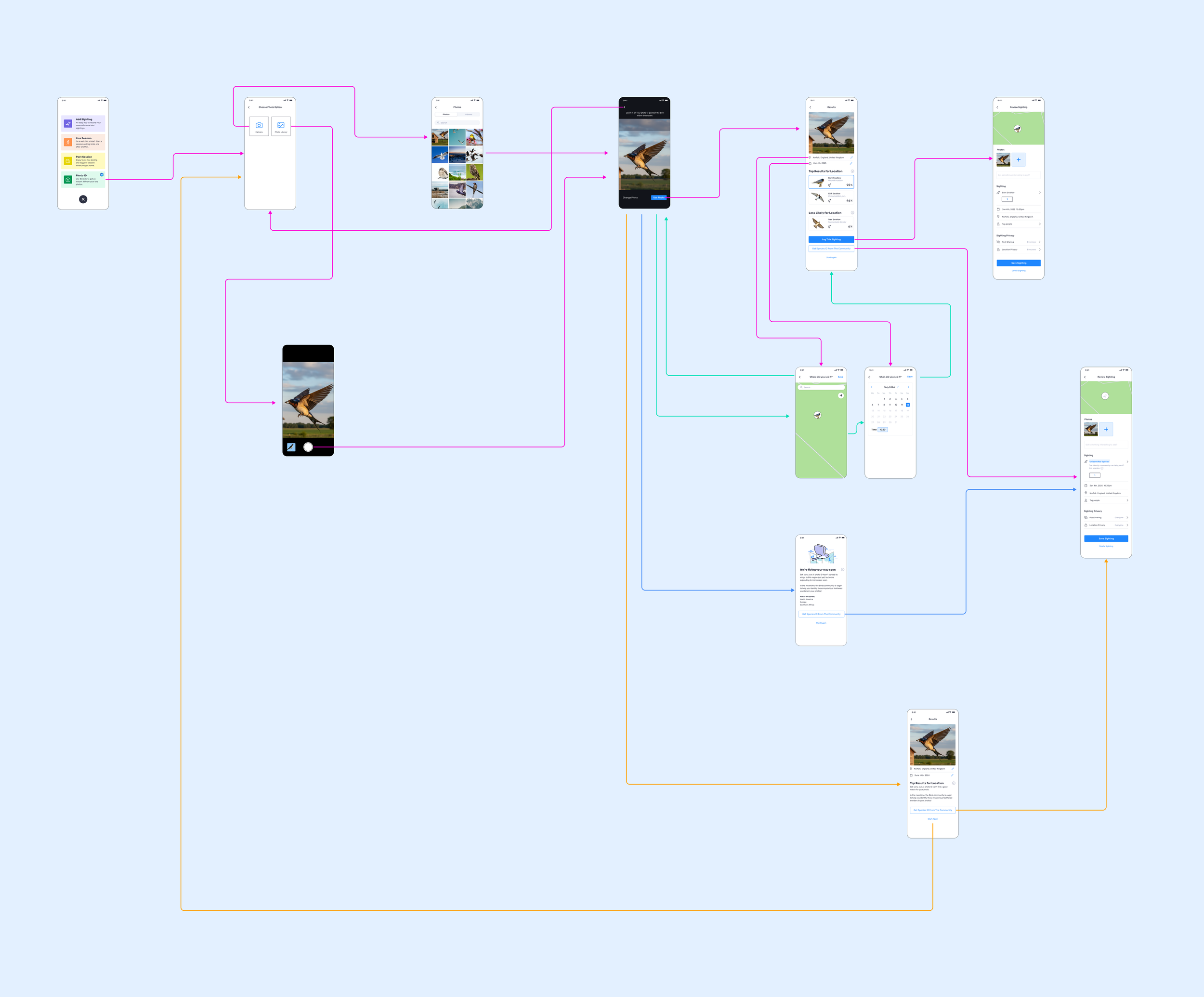
Before any visual design, I mapped the information architecture of the Photo ID feature. The goal was to ensure every possible outcome, successful identification, uncertain result, partial match, had a clear and purposeful next step. No dead ends.
The key architectural decision was giving the fallback path equal visual weight to the primary logging action.
Framing "Ask the community" as a feature, not a failure, was critical to keeping users engaged rather than abandoning the flow when the AI was uncertain.
Four Principles That Guided Every Decision
Rather than designing around edge cases or trying to build a fully polished feature from day one, I defined four design principles rooted directly in the research findings. These became the decision-making framework for both the MVP and future iterations.
Rooted in insight #2: users with imperfect photos were self-selecting out before even trying. The capture experience needed to feel low-stakes and instant, getting out of the way so the moment wasn't lost.
Rooted in insight #1: transparency builds more trust than accuracy alone. Confidence percentages and ranked alternatives make the AI's reasoning visible, turning a black box into an interpretable tool.
Rooted in insights #3 and #4: every persona needs a clear path from result to logged sighting. One primary action, always in view, minimal friction between "I know what this is" and "it's logged".
Rooted in insight #4: the community is a trusted safety net. When the AI isn't sure, users should never hit a dead end. "Ask the community" needed to feel like a feature, not an error state.
From Photo to Logged Sighting
The core Photo ID journey was designed to feel effortless from start to finish. The MVP flow focused on the essential path: capture → identify → understand → log. Every step was designed to carry the user forward clearly and quickly.
Capture
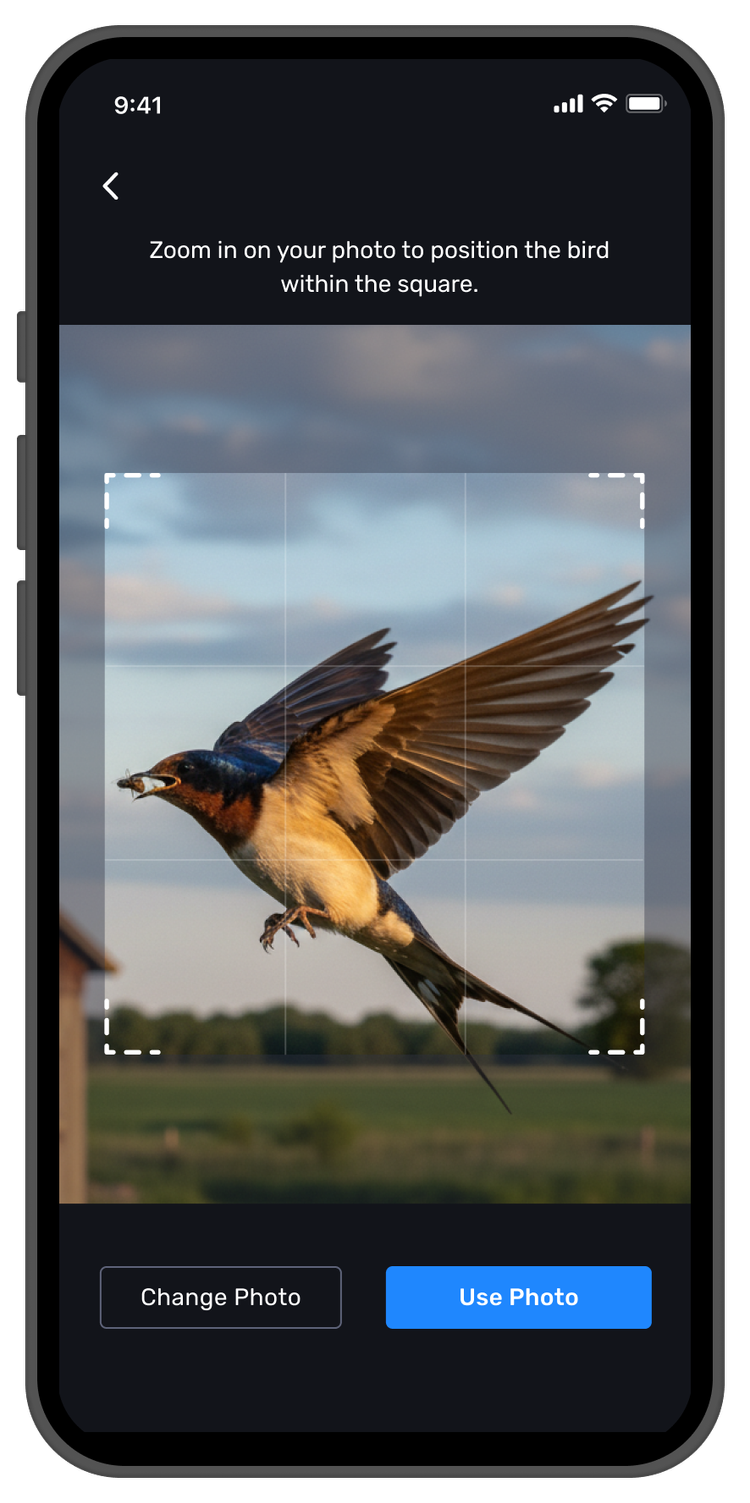
Users take a new photo or upload one from their camera roll. No setup, no friction. The feature starts the moment they decide to use it.
Identify
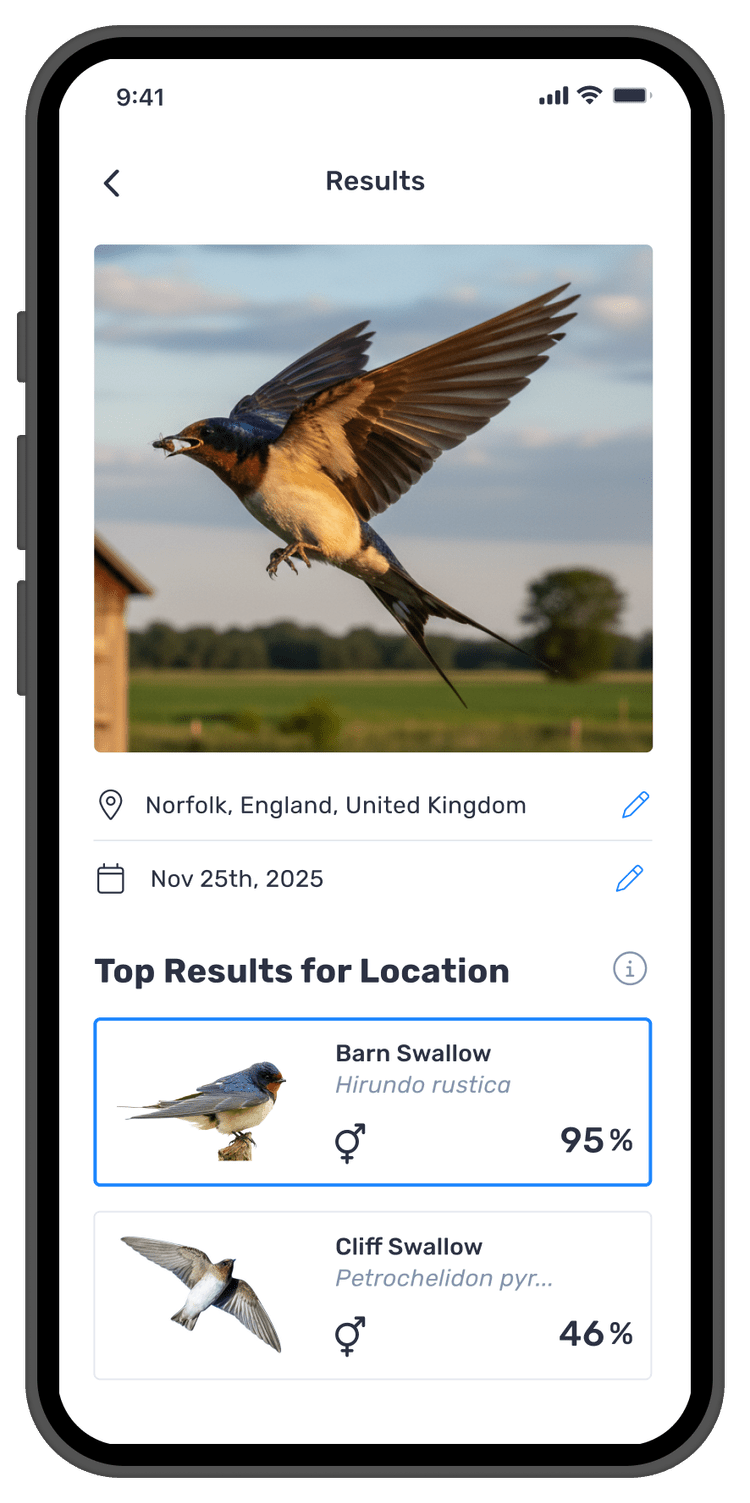
The AI analyses the image and returns a shortlist of likely species matches within seconds, fast enough to match the pace of birdwatching in the field.
Understand
Results show multiple options with confidence levels. Users verify rather than blindly accept. The result becomes a starting point rather than a final answer.
Log or Fallback
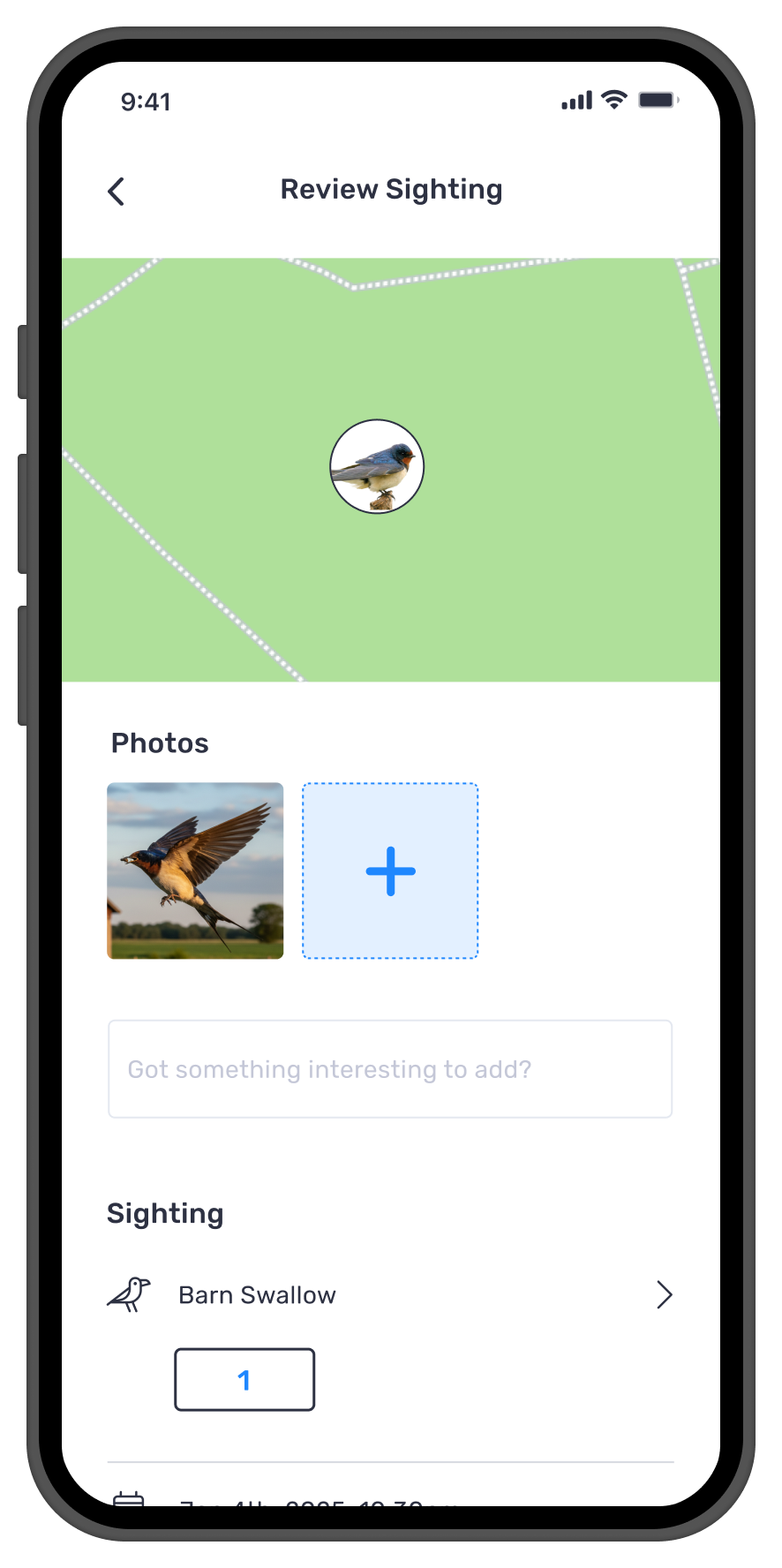
Users log the sighting with editable date and location. If the AI is not confident they can ask the community or save the sighting as unidentified.
Built For Real Conditions, Not Ideal Ones
Bird identification does not happen in a studio. It happens outdoors, in changing light, at distance, often in motion, and within seconds. The Photo ID experience had to support that reality, not just ideal images.
Rather than presenting one definitive answer, the system was designed to build confidence. It shows multiple likely matches, makes comparison easy, lets users edit date and location, and clearly guides the next step. When the AI could not confidently identify the bird, users were never blocked.
The Experience In Action
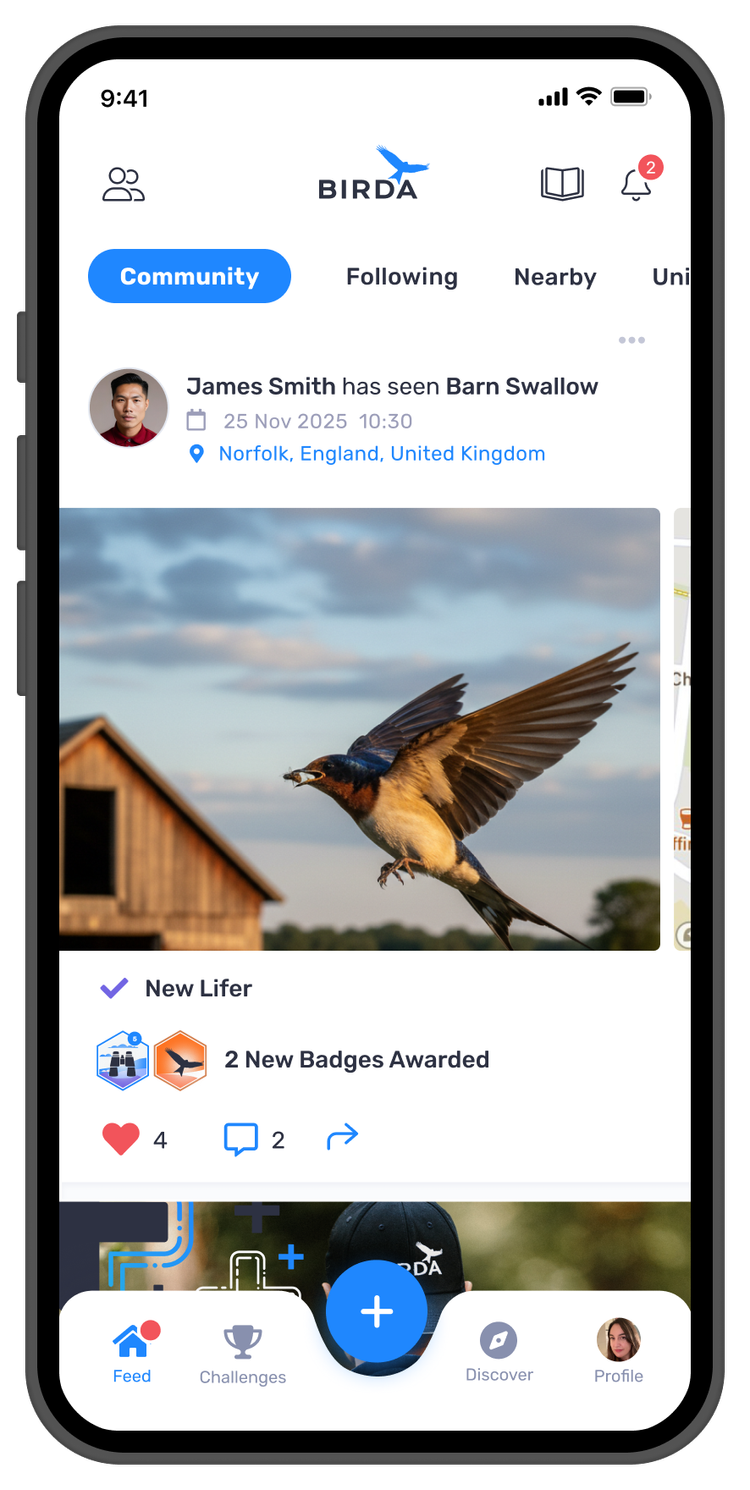
Three moments define the Photo ID experience. Each screen was designed to carry the user forward, from the instant of capture, through transparent AI results, to a logged sighting shared with the community. No dead ends, no forced answers, no friction between the bird and the record.
Shipping As An MVP, Learning As We Scaled
Photo ID was treated as an MVP from the start. Rather than launching a polished, fully-featured product, the team focused on shipping the essentials, learning from real behaviour, and iterating with care.
To reduce risk and validate performance safely, we rolled Photo ID out gradually, starting with a small percentage of users, closely monitoring usage, confidence, and error patterns, and expanding access as reliability and trust increased. This approach let us move fast without compromising user confidence, especially important for an AI-powered feature used in real-world, time-sensitive moments.
Users trusted it and started logging more
During testing, users consistently tried the feature with distant, blurry, and poorly framed photos, the exact scenario that had previously led to abandonment. They were consistently surprised by the accuracy of the results. This response was the clearest signal that both the model and the design were working together.
Beginners logged more confidently: Photo ID reduced the hesitation that comes with not knowing whether a sighting is accurate enough to log. Reassurance and clear next steps helped new birders stay engaged and keep learning.
Experienced birders valued the speed: Even in less than ideal conditions, users could quickly identify and log sightings without breaking their flow.
Trust grew through transparency: Showing confidence percentages and multiple likely matches made users feel in control of the decision.
Birda+ found its strongest feature: Photo ID became one of the most compelling premium benefits, helping users clearly understand the value of upgrading.
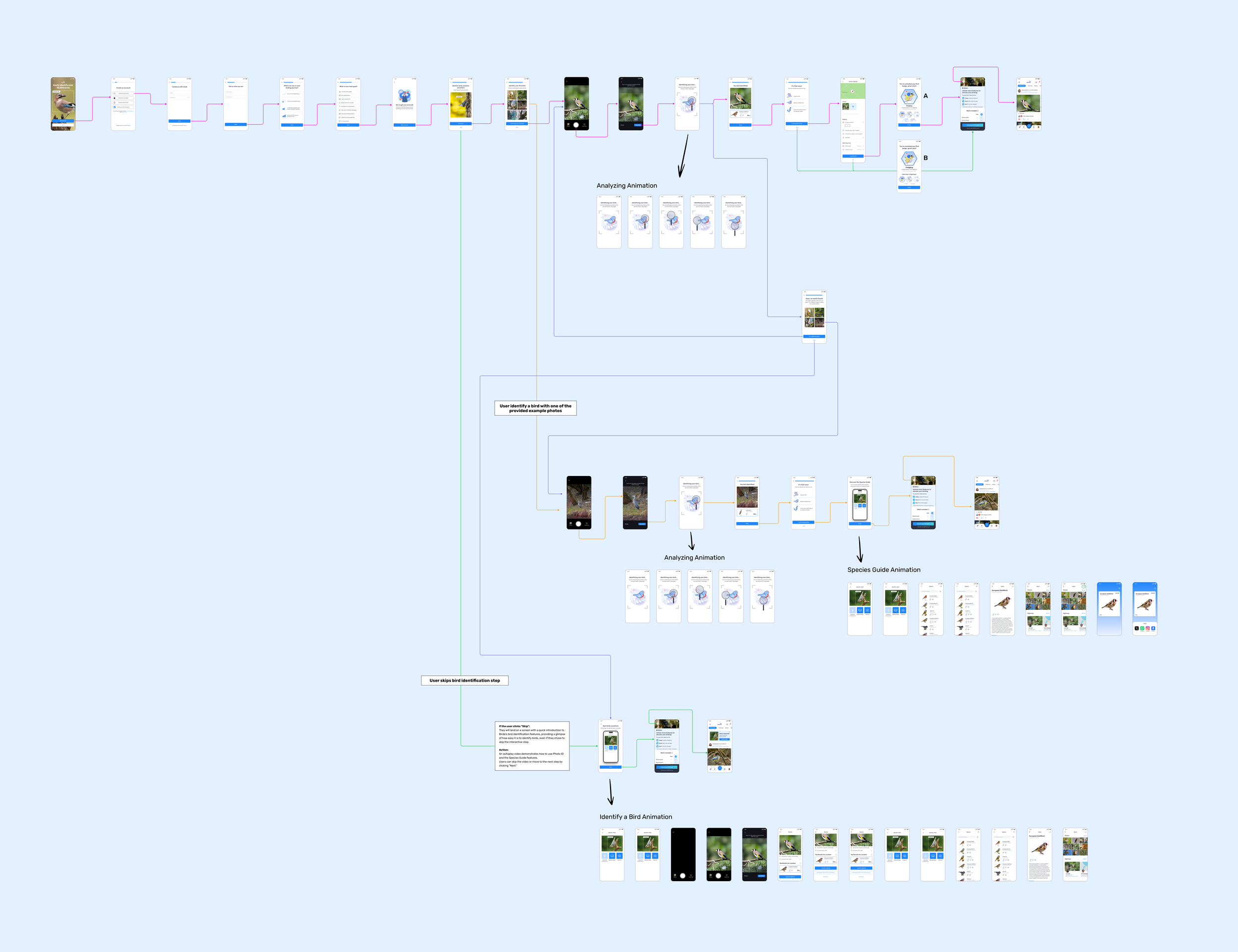
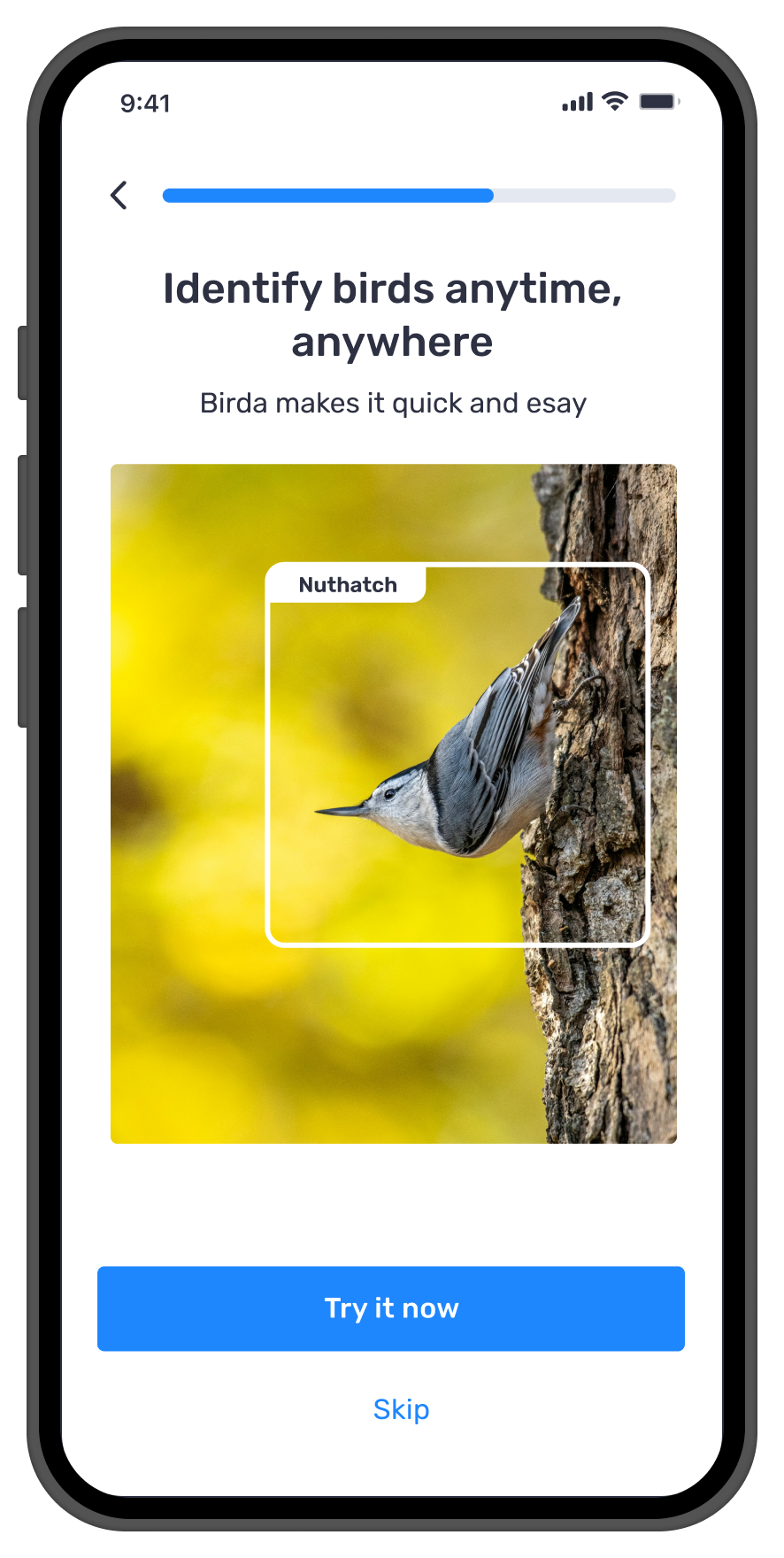
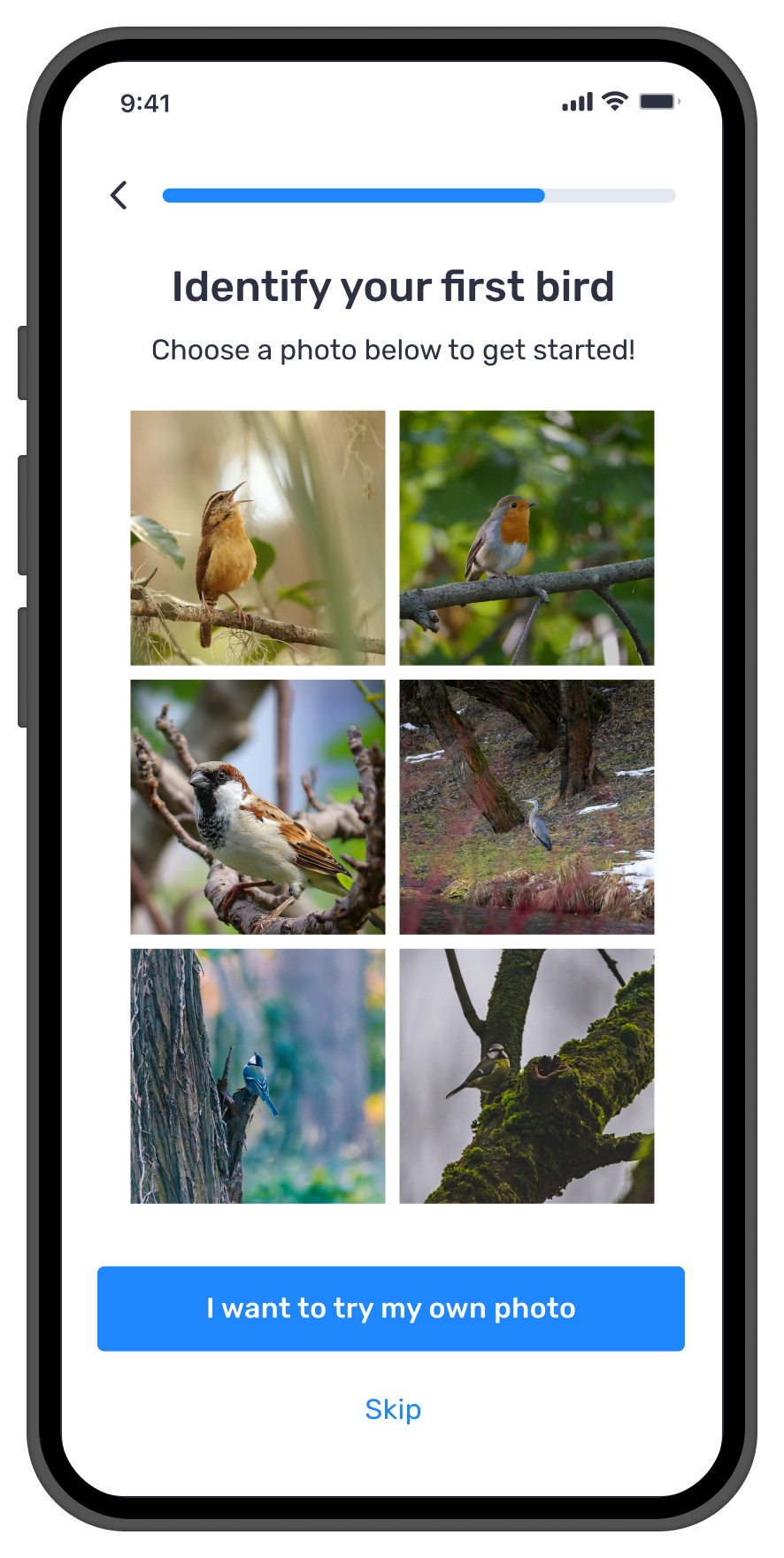
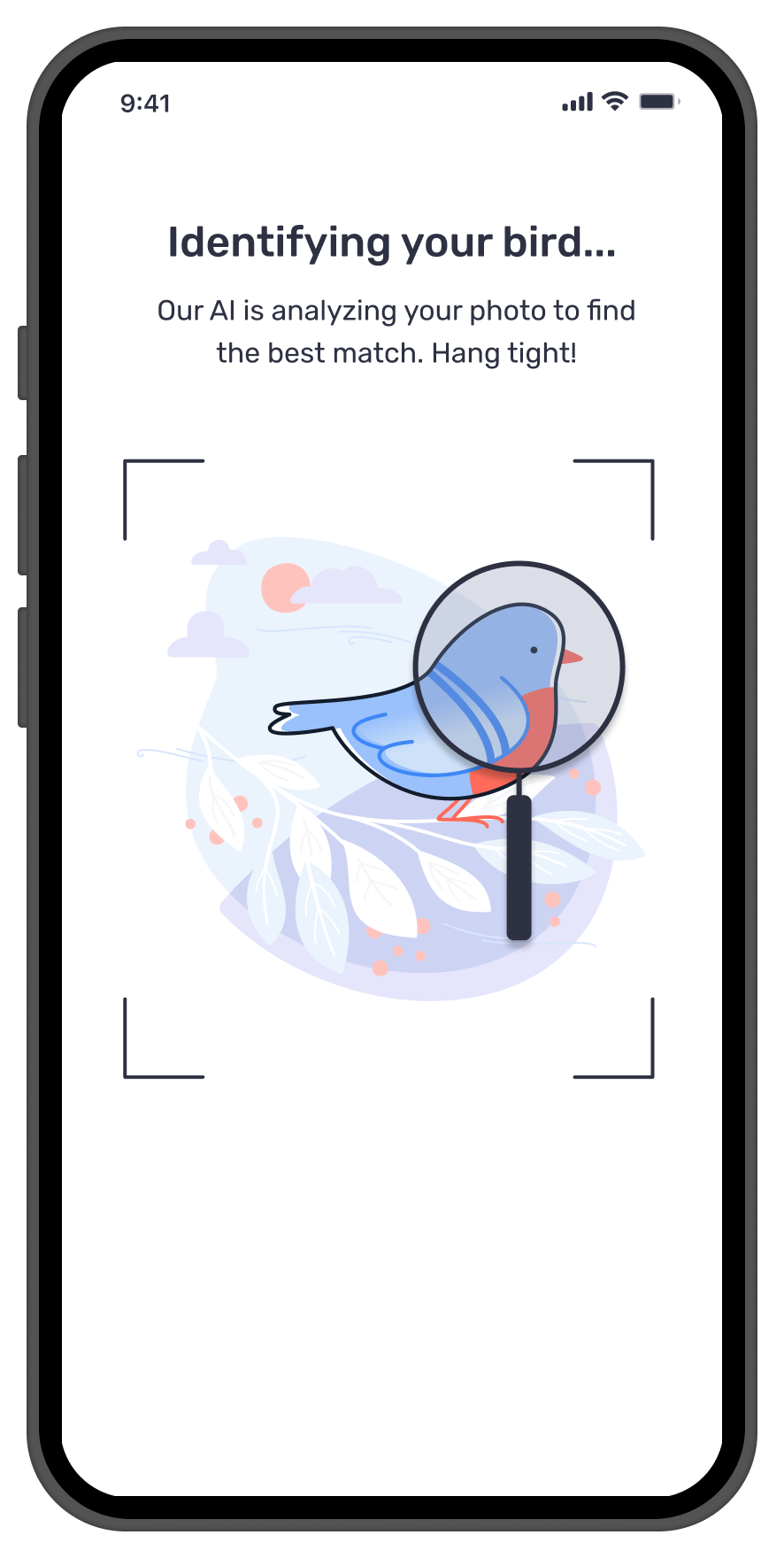
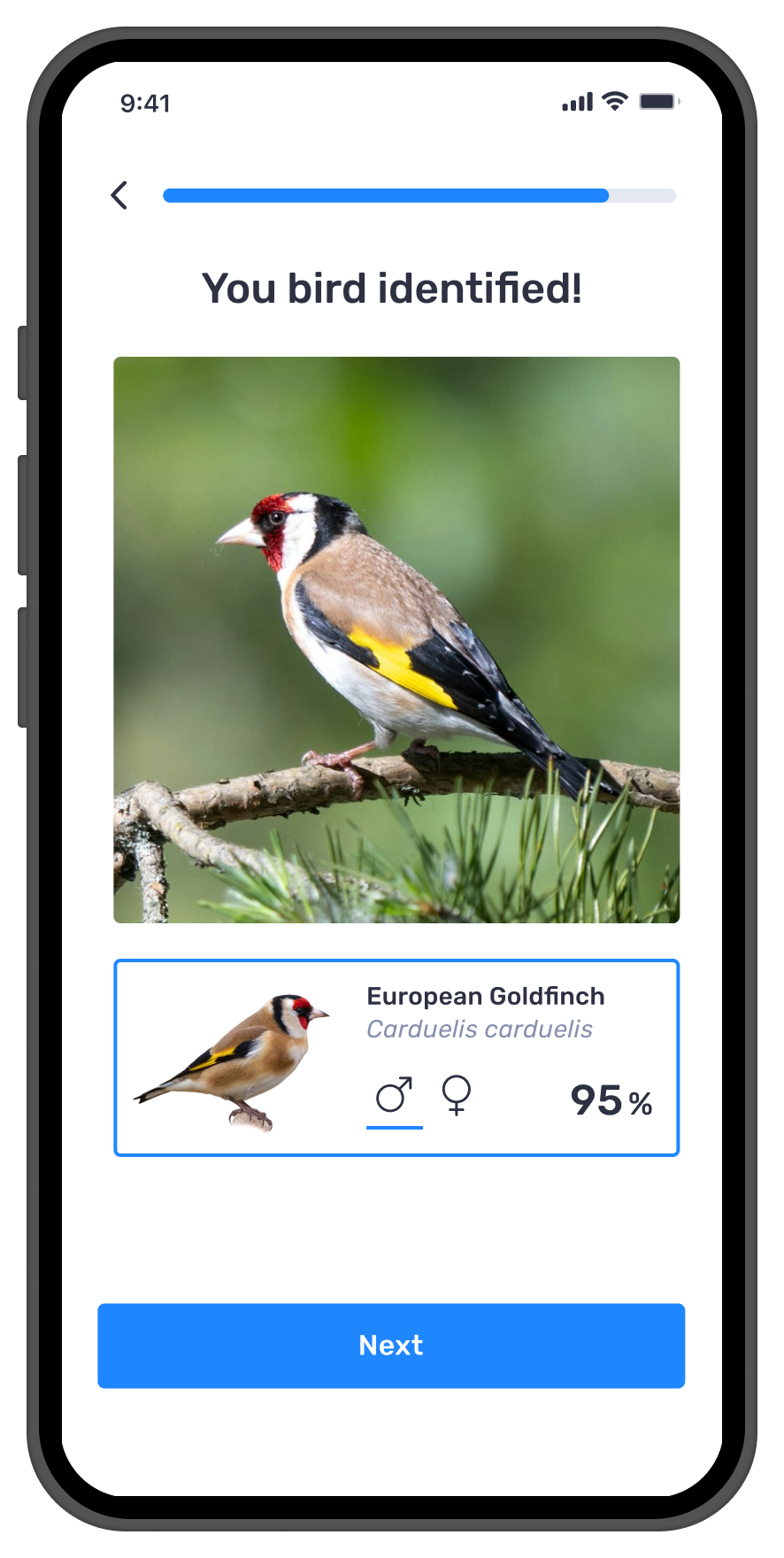
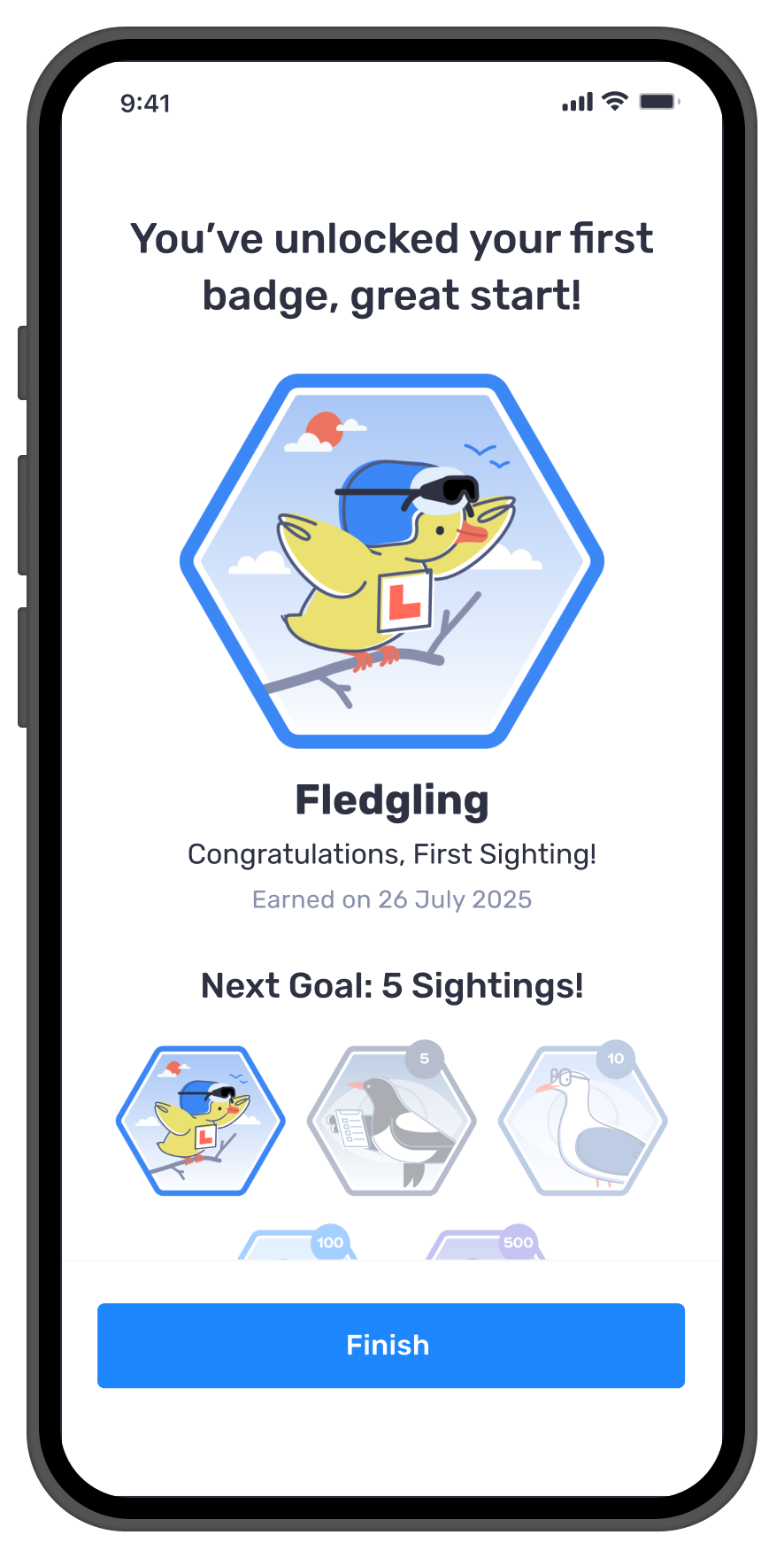
Bringing Photo ID Into Onboarding
Future Opportunities
What this project taught me
This project reinforced that AI features succeed when users understand them, not just when they are accurate. A technically brilliant model means nothing if people do not trust what it is telling them.
The biggest design challenge was not the interface. It was the gap between what the AI knew and what the user believed. Closing that gap required transparency, showing confidence levels, agency, letting users compare and choose, and safety, always giving a way forward when the AI was not sure.
It also taught me that the first impression of an AI feature defines whether users come back. That is why bringing Photo ID into onboarding was so important, it was not just a feature improvement, it was a trust building moment disguised as a product tour.
"The biggest design challenge was not the interface, it was the gap between what the AI knew and what the user believed."